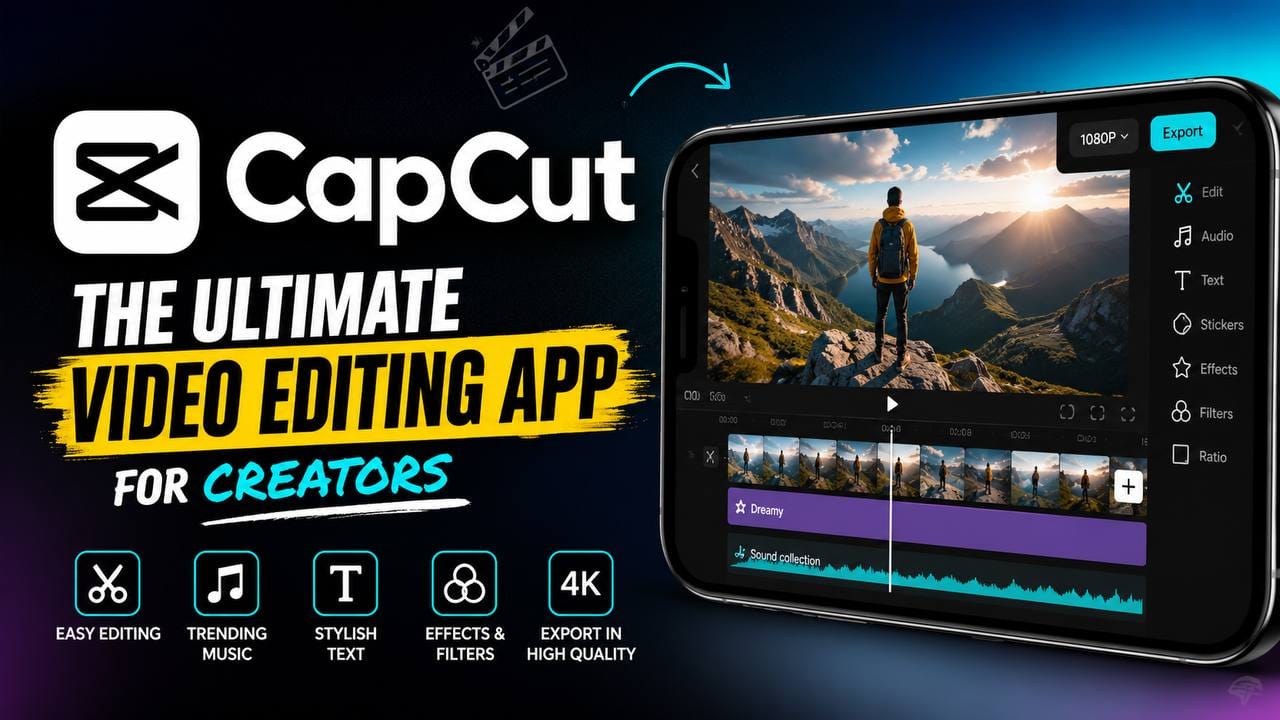
The Ultimate Guide to CapCut in 2026
Video content has become the foundation of modern digital marketing. Whether you’re a YouTube creator in the United States, a small business owner in the United Kingdom, an influencer in Canada, or an online entrepreneur in Australia, video is now one of the fastest ways to attract audiences, build trust, and generate revenue. As competition continues to grow, creators are searching for editing software that is powerful, affordable, and easy enough for beginners while still offering professional capabilities.
That is exactly where CapCut has established itself as one of the world’s most popular video editing platforms. Originally known as a simple mobile editor, CapCut has evolved into a comprehensive AI-powered creative suite with desktop, web, and mobile applications. Recent updates continue expanding AI-assisted editing, templates, cloud collaboration, and creator-focused tools, although feature availability may vary by platform and region.
This guide explores everything you need to know about CapCut, including its AI capabilities, creator economy opportunities, digital marketing benefits, YouTube monetization strategies, and practical tips for businesses and creators.
What is CapCut?
CapCut is an AI-powered video editing platform that enables creators to produce high-quality videos without requiring years of editing experience. Available on Windows, macOS, Android, iPhone, and web browsers, it provides an ecosystem where creators can edit, collaborate, and publish videos from almost anywhere. This flexibility has made CapCut a preferred solution for students, freelancers, businesses, educators, marketers, and influencers alike. Whether you’re creating a 15-second Instagram Reel or a 30-minute YouTube tutorial, the platform offers tools that simplify the editing process while maintaining professional quality.
One of CapCut’s biggest strengths is its accessibility. Unlike traditional editing software that often comes with a steep learning curve, CapCut is designed with an intuitive interface that helps beginners start editing within minutes. At the same time, experienced editors benefit from advanced controls like keyframe animation, masking, chroma key, motion tracking, color grading, and multi-layer timeline editing. This balance between simplicity and advanced functionality makes it appealing to creators across the United States, United Kingdom, Canada, and Australia, where video content continues to dominate online engagement.
The rise of AI has also transformed CapCut into more than just a video editor. Today, creators can use AI-powered features to automatically generate captions, remove backgrounds, enhance audio, translate subtitles into multiple languages, improve video quality, and even create content from text prompts in supported workflows. These capabilities significantly reduce production time, allowing creators to focus more on storytelling, branding, and audience engagement rather than repetitive editing tasks. Businesses especially benefit from this efficiency because faster production often means quicker campaign launches and better responsiveness to trends.
CapCut’s popularity is closely tied to the growth of the creator economy. Millions of people now earn income through YouTube, affiliate marketing, social media sponsorships, online courses, digital products, and freelance services. High-quality videos have become essential for standing out in these competitive markets, and CapCut offers an affordable solution that lowers the barrier to entry. Instead of investing hundreds of dollars in expensive software, creators can access a wide range of editing tools through a platform that continues to evolve alongside modern content creation needs.
Evolution from Mobile Editor to an AI Creative Platform
CapCut started as a lightweight mobile editing application focused on short-form social videos. Its clean interface and easy editing workflow quickly attracted creators looking for an alternative to more complicated editing software. As platforms like TikTok, Instagram Reels, YouTube Shorts, and Facebook Reels gained popularity, CapCut expanded rapidly to meet the growing demand for vertical video production. What began as a simple editor has now evolved into a complete creative ecosystem supporting professional video production across multiple devices.
One of the biggest milestones in CapCut’s journey has been the integration of artificial intelligence into nearly every stage of content creation. AI-powered auto-captioning, intelligent scene detection, object tracking, background removal, voice enhancement, and automatic editing suggestions have dramatically reduced the amount of manual work required. Instead of spending hours synchronizing subtitles or removing unwanted backgrounds frame by frame, creators can now accomplish these tasks in minutes. This automation is particularly valuable for agencies, marketing teams, and solo entrepreneurs managing multiple content channels simultaneously.
The desktop and web versions have also matured significantly, offering cloud synchronization, shared projects, collaborative workflows, and improved export options. This means creators can begin editing on a smartphone, continue on a laptop, and finalize projects from another device without losing progress. Such flexibility reflects the changing work habits of modern creators who often produce content while traveling, working remotely, or collaborating with distributed teams across different countries.
CapCut’s continuous innovation aligns with broader trends in digital marketing and AI-assisted creativity. Businesses increasingly rely on video for product demonstrations, customer education, social media advertising, email campaigns, and brand storytelling. By combining accessibility with advanced AI technology, CapCut has positioned itself as one of the most influential editing platforms in the creator economy. Rather than simply helping users edit videos, it supports an entire workflow that includes planning, editing, optimization, and publishing, making it a valuable asset for content creators of all experience levels.
Why CapCut Is So Popular Across the United States, United Kingdom, Canada, and Australia
CapCut has earned widespread adoption because it addresses the needs of today’s digital creators without overwhelming them with unnecessary complexity. In English-speaking markets such as the United States, United Kingdom, Canada, and Australia, businesses and creators compete in highly saturated online spaces where publishing high-quality content consistently is essential. CapCut simplifies the production process by offering professional editing capabilities in an interface that is approachable for beginners and efficient for experienced users. Whether someone is producing YouTube tutorials, Instagram Reels, Facebook videos, LinkedIn marketing campaigns, or TikTok content, the platform provides a workflow that minimizes editing time while maximizing creative possibilities.
Another reason for CapCut’s popularity is its support for multiple content formats. Modern creators rarely focus on just one platform. A single video may need to be published on YouTube, converted into Shorts, repurposed for Instagram Reels, resized for TikTok, and shared on Facebook or Pinterest. Instead of creating separate projects for every platform, CapCut makes it easier to adapt videos for different aspect ratios while maintaining quality. This saves creators valuable hours every week and helps businesses maintain a consistent brand presence across multiple social media channels.
Artificial intelligence has also played a significant role in CapCut’s growth. AI-assisted editing reduces repetitive tasks that previously required professional editing knowledge. Features such as automatic captions, speech enhancement, background removal, smart cutouts, object tracking, and subtitle generation allow creators to focus more on storytelling and audience engagement. This is particularly valuable for entrepreneurs running online businesses because producing content regularly often determines how quickly they can grow their brand. Faster editing means more frequent publishing, and more consistent publishing often leads to improved audience reach and stronger long-term engagement.
CapCut also benefits from an active creator community that shares templates, editing ideas, transitions, effects, and educational content. Beginners can learn quickly by exploring trending editing styles, while experienced creators continuously experiment with new AI-powered workflows. This collaborative environment encourages creativity and keeps the platform aligned with changing social media trends. Rather than simply functioning as a video editor, CapCut has become part of a larger ecosystem that supports content creators, marketers, educators, freelancers, and businesses looking to produce engaging visual content efficiently.
Top CapCut Features That Make Video Editing Easier
One of CapCut’s greatest strengths is its comprehensive collection of editing tools that appeal to both beginners and professionals. Instead of forcing users to purchase multiple applications for captions, audio enhancement, transitions, animations, and visual effects, CapCut combines these capabilities within a single platform. This integrated approach reduces workflow complexity and allows creators to complete projects much faster than traditional editing methods.
AI Editing ToolsArtificial intelligence has fundamentally changed how videos are edited, and CapCut has embraced this transformation with an expanding range of intelligent features. AI-powered tools can automatically generate subtitles, detect speech, remove backgrounds, isolate subjects, stabilize shaky footage, improve lighting, reduce background noise, and enhance voice clarity. Some supported workflows also include AI-assisted script generation, text-to-speech, and image-to-video capabilities, helping creators move from idea to finished content more efficiently. These features are especially useful for YouTubers, educators, online coaches, and marketers who need to produce content at scale without sacrificing quality.
For businesses, AI automation translates into significant productivity gains. Marketing teams no longer need to spend hours manually synchronizing captions or cleaning up audio recordings. Instead, they can focus on refining their message, improving storytelling, and optimizing videos for conversions. Small businesses with limited budgets benefit the most because AI enables them to create professional-looking marketing videos without hiring expensive production teams. As AI technology continues evolving, CapCut is expected to introduce even more automation that further streamlines video production workflows.
Templates, Effects, and Creative Assets
CapCut provides a vast collection of templates, transitions, animations, filters, stickers, sound effects, and visual assets that help creators produce eye-catching videos quickly. Templates are particularly valuable for beginners because they eliminate much of the design work required to achieve professional-looking results. Instead of building complex timelines from scratch, users can customize pre-designed templates with their own videos, photos, branding, and text while maintaining a polished appearance.
Businesses also use these templates to ensure brand consistency across marketing campaigns. A recognizable editing style helps strengthen brand identity and improves audience recognition over time. Seasonal campaigns, product launches, educational videos, testimonials, and promotional advertisements can all be created using reusable templates that significantly reduce production time. For agencies managing multiple clients, standardized templates improve efficiency while maintaining a consistent level of quality across projects.
The growing library of visual effects encourages experimentation without requiring advanced editing expertise. Motion graphics, cinematic transitions, animated text, particle effects, color filters, and dynamic overlays allow creators to develop visually engaging content that captures attention within the first few seconds. Since audience retention is one of the most important ranking factors on many social platforms, these creative assets help improve watch time and overall engagement.
capcut app Download
DOWNLOAD
Auto Captions, Translation, and Accessibility
Captions have become an essential component of modern video marketing because many viewers watch videos with the sound turned off, especially while browsing social media. CapCut’s automatic caption generation simplifies what was once one of the most time-consuming aspects of editing. Instead of manually typing every spoken word, creators can generate subtitles automatically and then review them for accuracy before publishing.
Translation capabilities further expand a video’s reach by making content accessible to international audiences. Businesses serving multilingual markets can use translated subtitles to communicate with customers in different regions, while educators and online course creators can reach learners beyond their native language. This increased accessibility contributes to broader audience growth and better user engagement, particularly on global platforms like YouTube.
Accessibility also supports better user experience and aligns with inclusive content practices. Viewers with hearing impairments, non-native English speakers, and people watching videos in noisy environments all benefit from high-quality captions. Search engines can also better understand captioned content, which may indirectly contribute to improved discoverability when videos are published on platforms that index transcripts. By combining AI-generated captions with thoughtful editing, creators can enhance both audience satisfaction and long-term content performance.