Create AI AD Videos With Images Prompts For Gemini. Hello guys many of you searching for gigital painting prompts for making AI photos using genimi app.
so thats why we are providing some prompts for you to generate the ai images and i will give you prompts
Here is the prompts
AI AD PROMT
{“scene”: [ { “time”:
“O.0-2.5s”, “description”:
“Camera angle from top – character jumps down from above in a stylish slow-motion entry.”, “camera”: “Top-down slow motion shot”,
“environment sound”: “Whoosh air sound with light bass drop” }, { “time”: “2.5-5.0s”,
“description”: “Character holds a cool drink bottle in hand and poses perfectly to the frame with attitude.”, “camera”:
“Medium close-up, slight tilt for cinematic effect”, “environment sound”: “Soft upbeat
background music” }, { “time”:
“5.0-8.0s”, “description”:
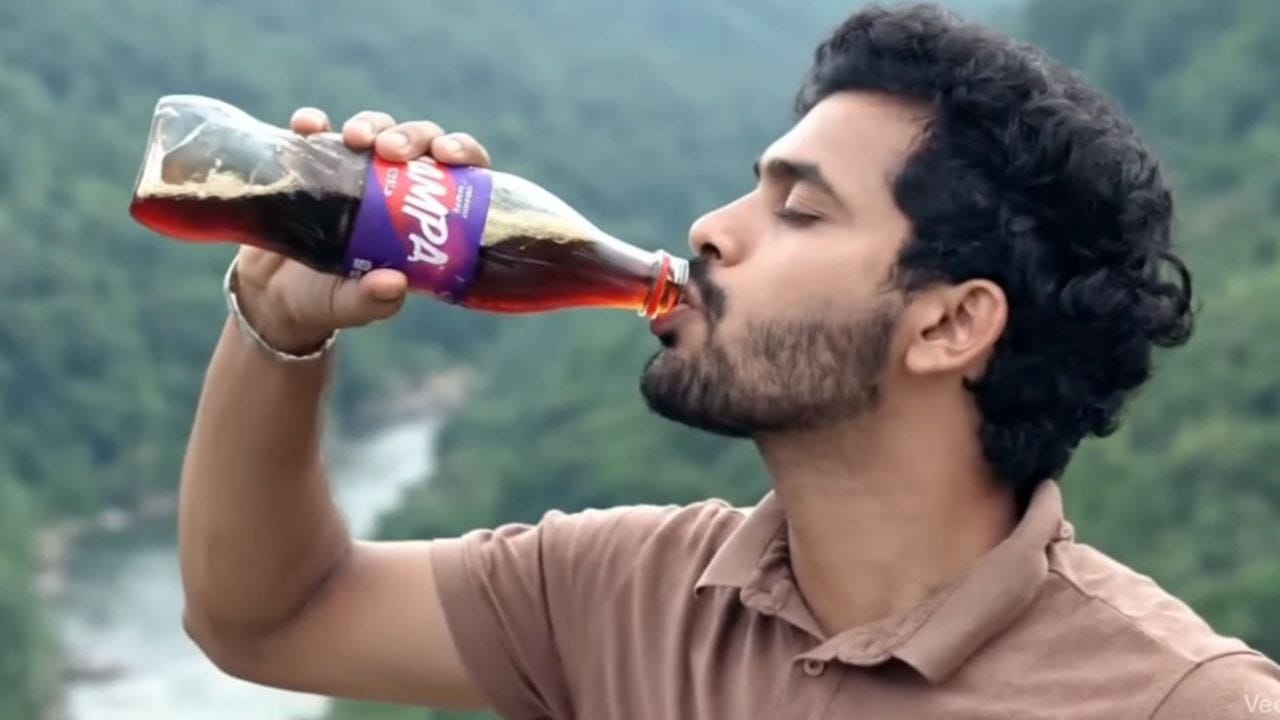
“Opens the cool drink bottle and takes a big refreshing sip with satisfaction.”, “camera”:
“Close-up shot focusing on hand and face reaction”
“environment sound”: “Fizz sound with refreshing tone” } ]}
PROMPT 1
Generate a highly detailed digital portrait based on the uploaded photo. Preserve full likeness and
facial structure while enhancing features with smooth warm-toned skin, symmetrical detailing, and
soft glow highlights on the forehead and cheeks. Apply a realistic yet polished illustration style with
glossy skin texture, sharp expressive eyes, and natural hair detail. Add cinematic soft lighting for
depth. Create a Colourful background with softly swirling gradient colours in green, purple and
orange tones, slightly blurred to keep focus on the subject. Use studio portrait composition, centered
framing, high resolution, refined brush strokes, realistic hair texture, and 8K ultra-quality artistic
digital painting finish.” Dont change facial expressions, use the same face.
PROMPT 2
Generate a highly detailed digital portrait based on the uploaded photo. Preserve full likeness and
facial structure while enhancing features with smooth warm-toned skin, symmetrical detailing, and
soft glow highlights on the forehead and cheeks. Apply a realistic yet polished illustration style with
glossy skin texture, sharp expressive eyes, and natural hair detail. Add cinematic soft lighting for
depth. Create a background uploaded image
orange tones, slightly blurred to keep focus on the subject. Use studio portrait composition, centered
framing, high resolution, refined brush strokes, realistic hair texture, and 8K ultra-quality artistic
digital painting finish.” Dont change facial expressions, use the same face.
PROMPT 3
Generate a highly detailed digital portrait based on the uploaded photo. Preserve full likeness and
facial structure while enhancing features with smooth warm-toned skin, symmetrical detailing, and
soft glow highlights on the forehead and cheeks. Apply a realistic yet polished illustration style with
glossy skin texture, sharp expressive eyes, and natural hair detail. Add cinematic soft lighting for
depth. Create a Colourful background with softly swirling gradient colours in green, purple and
orange tones, slightly blurred to keep focus on the subject. Use studio portrait composition, centered
framing, high resolution, refined brush strokes, realistic hair texture, and 8K ultra-quality artistic
digital painting finish.” Dont change facial expressions, use the same face.
HERE THE BACKGROUND LINKS FOR YOU GUYS
DOWNLOAD LINK
I hope you love this prompts follow us for more like this stuff thankyou.